

You want one word in your message to stand out: a time, a price, or a big NO. WhatsApp doesn't show a bold button in the chat box, so most people never find out it can do this. It can, and it only takes one symbol on each side of a word.
The WhatsApp formatting cheat sheet
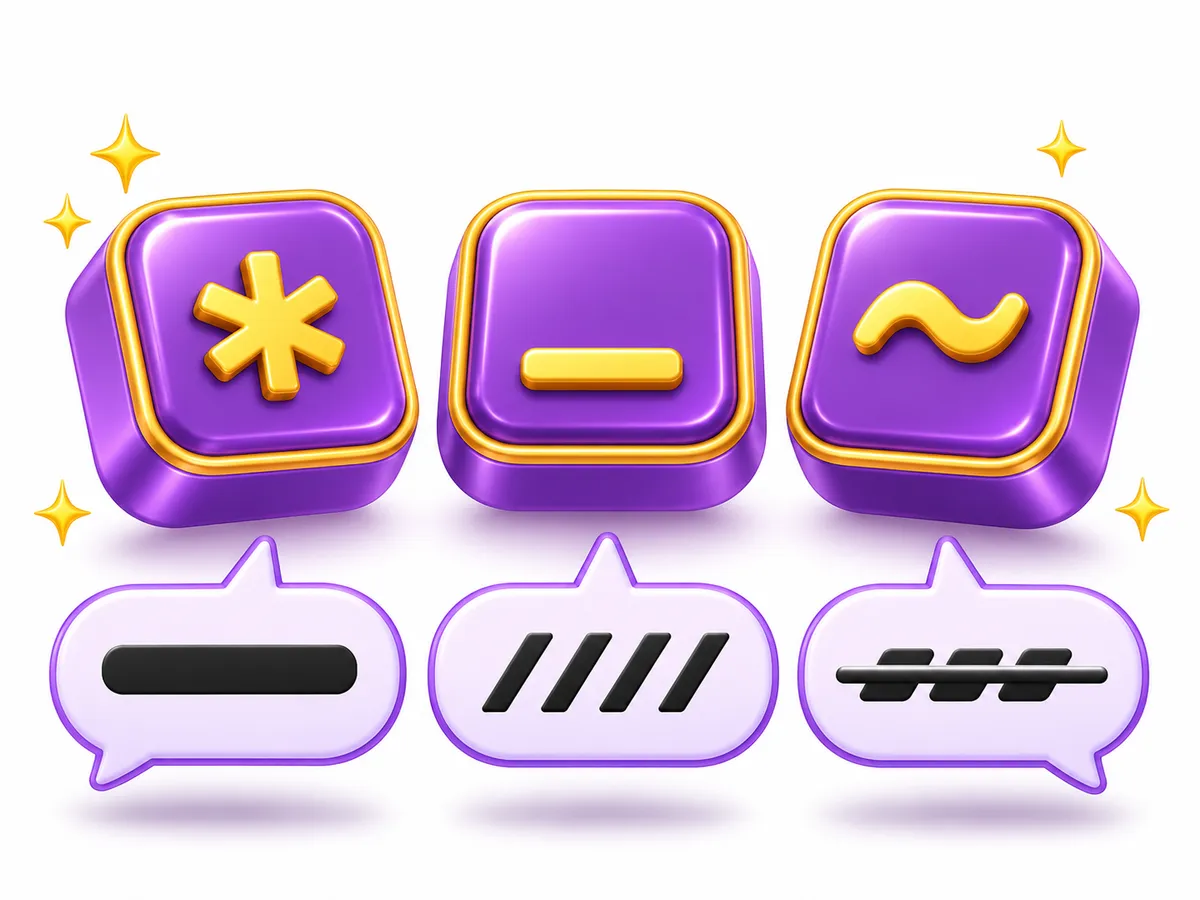
Type the text in the middle column exactly as shown. After you send it, the chat shows the result.
| Style | Type this | You get |
|---|---|---|
| Bold | *Hello* | Hello |
| Italic | _Hello_ | Hello |
| Strikethrough | ~Hello~ | |
| Monospace | ```Hello``` | Hello |
| Inline code | `Hello` | Hello |
Monospace uses three backticks on each side. On most phone keyboards the backtick (`) is on the symbols page, often next to the tilde (~).
How to write bold text in WhatsApp
Put an asterisk right before the first letter and right after the last one: *See you at 8*. You can bold one word or a whole sentence. Bold works well for times, prices, names and anything people must not miss.
How to write italic text
Use an underscore on each side: _just kidding_ becomes just kidding. Italic is handy for a soft tone, a quote or the name of a film or book.
How to write strikethrough text
Use a tilde on each side: ~10:00~ 11:00 shows 10:00 11:00. Crossing something out is a clear way to correct yourself, update a list, or make a joke like diet pizza night.
Format text without typing symbols
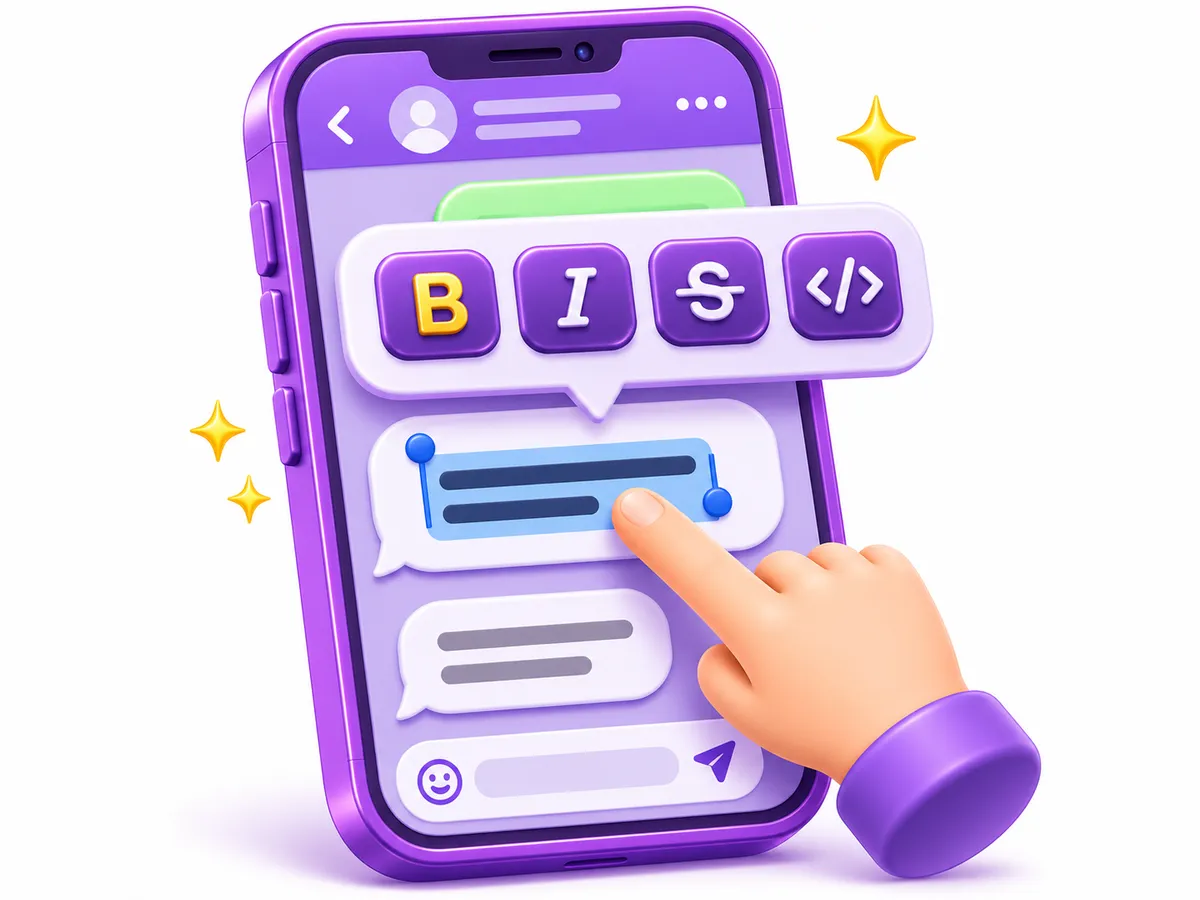
If you don't want to remember the symbols, WhatsApp also has a menu for them:
- Android: type your message, press and hold a word to select it, drag the handles to cover the text, then tap ⋮ (more) and choose Bold, Italic, Strikethrough or Monospace.
- iPhone: select the text, then tap Format in the menu that appears (tap the arrow if you don't see it) and pick a style.
- WhatsApp Web and Desktop: type the symbols yourself, or try the keyboard shortcuts. Press Ctrl + / (Cmd + / on a Mac) in WhatsApp Desktop to see the shortcuts your version supports.
The menu simply adds the same symbols for you, so the result is identical.
Combine styles
Styles can be stacked. Put one pair of symbols inside another, and close them in the reverse order you opened them:
*_important_*gives important (bold and italic).~*sold out*~givessold out(bold and crossed out).
Lists, quotes and inline code
Newer versions of WhatsApp also understand a few line formats. Start a new line with:
*or-and a space for a bulleted list1.and a space for a numbered list>and a space to show the line as a quote
A single backtick on each side, like `order 1234`, gives inline code. If these don't work for you, update WhatsApp from your app store.
Why your formatting isn't working
Bold or fancy text in your name and About

For your profile name, About line or a status, use Unicode styled letters instead of symbols. They are real characters, so they keep their look anywhere you paste them: 𝐀𝐥𝐢, 𝐴𝑙𝑖 or 𝒜𝓁𝒾. Our WhatsApp stylish text page and bold text generator make these for you.
Two things to know: some apps count each styled letter as two characters, and screen readers may not read them clearly. Keep styled text short and put important details in plain text. To learn why this works, read how fancy font generators work.
Quick recap
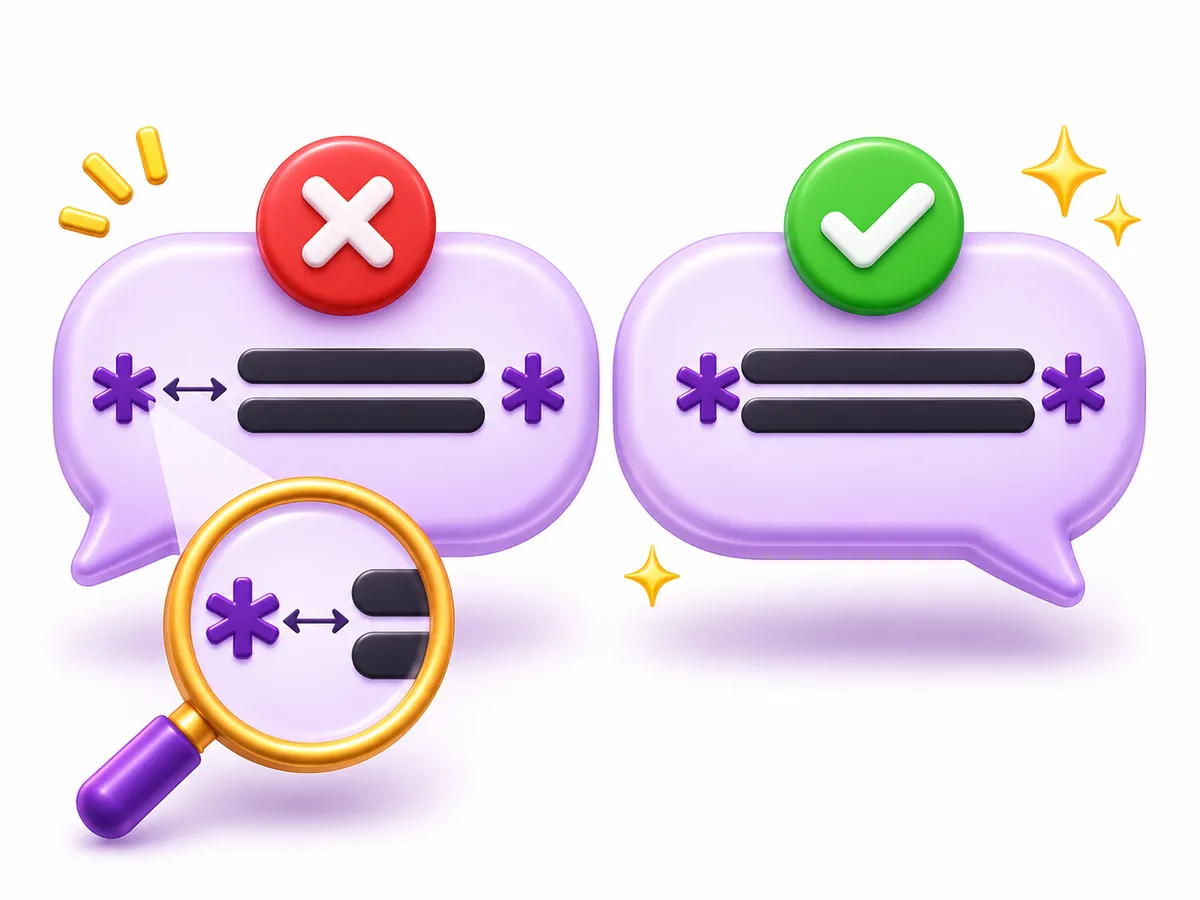
*bold*,_italic_,~strikethrough~,```monospace```- The symbols must touch the text, with no spaces inside.
- Select text and use the menu if you prefer not to type symbols.
- For your name and About, copy Unicode styled text instead.